
Make.com is a web-based automation tool that allows users to create complex automation workflows without any programming knowledge.
Here are 5 key features of Make.com:
- Easy to use: Make.com uses a visual drag-and-drop interface, making it easy for users to create automation workflows without writing any code.
- Powerful: Make.com supports a variety of actions, including data access, email sending, API calling, etc. This allows users to automate a variety of tasks.
- Highly customizable: Make.com allows users to customize their automation workflows in a variety of ways, such as adding conditions, repeating tasks, and creating child workflows.
- Integrates with many apps: Make.com integrates with many popular apps, including Google Sheets, Salesforce, Slack, etc. This allows users to automate tasks within these apps.
- Affordable: Make.com offers a free plan for individual users and paid plans for businesses.
After researching and using Make.com for about 97 days, Toprivi hope this information helps you use Make.com effectively.
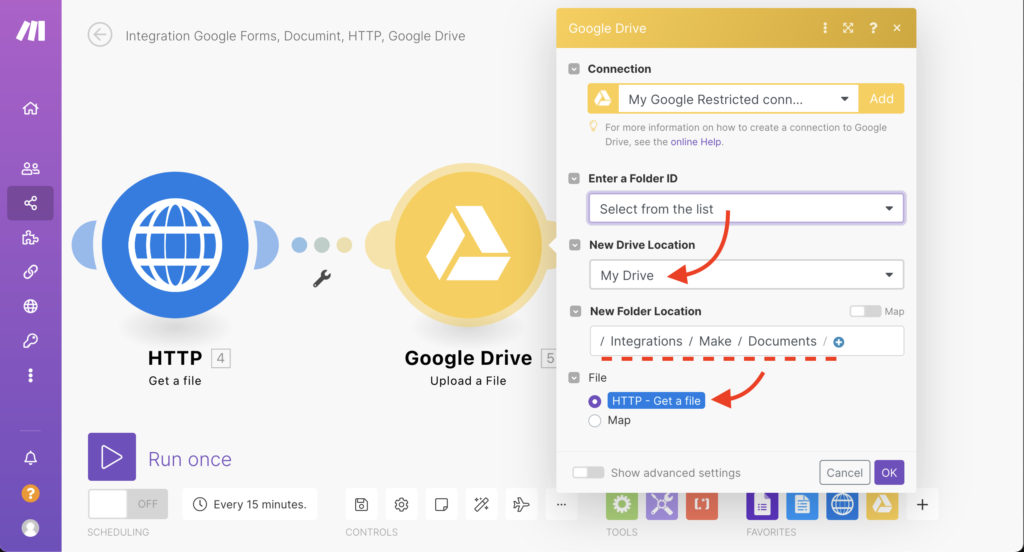
Here are some examples of how Make.com can be used:
- Automating repetitive tasks: Make.com can be used to automate repetitive tasks, such as sending mass emails, exporting data from spreadsheets, or updating statuses on websites.
- Automating data-driven tasks: Make.com can be used to automate data-driven tasks, such as updating spreadsheets when data changes or sending emails when new customers are added.
- Automating event-based tasks: Make.com can be used to automate event-based tasks, such as posting to social media when a new product is launched or sending an email when a website error occurs.
If you are looking for a powerful and easy-to-use automation tool, Make.com is a great choice.